
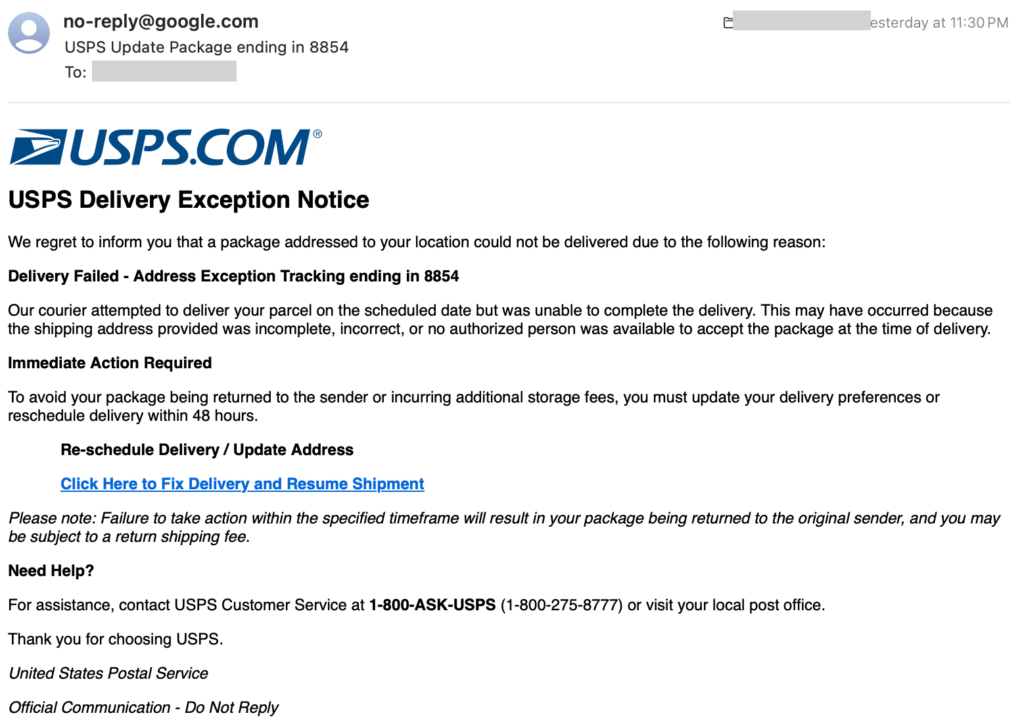
Yesterday I received the email below. It looks close enough to a legitimate USPS notice that a hurried person could easily click through — and that’s exactly the point. Phishing works because it exploits time pressure and pattern recognition, not because it’s technically sophisticated.
I’m sharing it here so you and your team can see the tells in the wild. Take thirty seconds to walk through it with me.
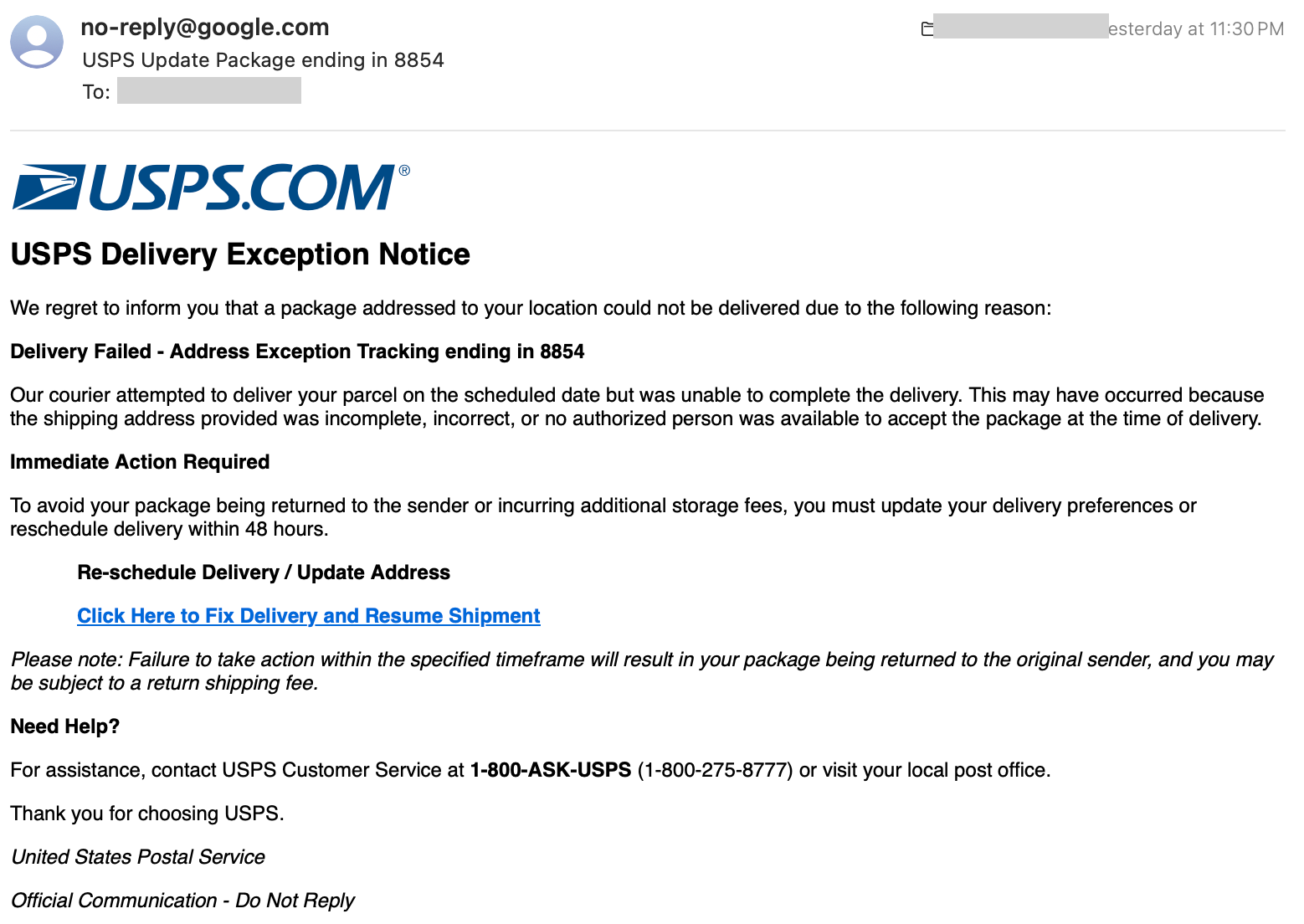
The email, transcribed
USPS Delivery Exception Notice
We regret to inform you that a package addressed to your location could not be delivered due to the following reason:
Delivery Failed – Address Exception Tracking ending in 8854
Our courier attempted to deliver your parcel on the scheduled date but was unable to complete the delivery. This may have occurred because the shipping address provided was incomplete, incorrect, or no authorized person was available to accept the package at the time of delivery.
Immediate Action Required
To avoid your package being returned to the sender or incurring additional storage fees, you must update your delivery preferences or reschedule delivery within 48 hours.
Re-schedule Delivery / Update Address
Click Here to Fix Delivery and Resume Shipment → https ://cuisinieng .icu/TylerBaker7651Please note: Failure to take action within the specified timeframe will result in your package being returned to the original sender, and you may be subject to a return shipping fee.
Need Help?
For assistance, contact USPS Customer Service at 1-800-ASK-USPS (1-800-275-8777) or visit your local post office.
Looks convincing at a glance. Now here’s what’s wrong with it.
Five red flags
1. The “From” address is wrong
The sender is [email protected]. USPS does not send delivery notifications from a Google address. Real USPS notifications come from @usps.com domains (typically @email.usps.com or @informeddelivery.usps.com).
Whenever an email claims to be from a specific company, glance at the actual sending domain before anything else. That one check catches the majority of phishing attempts.
2. The threat of a fee that doesn’t exist
The email says if you don’t click the link, your package will be returned to the sender and you may be charged a return fee. This is not how USPS works. The Postal Service does not charge recipients when an undeliverable package is returned. That “fee” exists purely to scare you into clicking.
Any email that threatens you with a financial penalty for inaction deserves extra scrutiny.
3. There’s no real tracking number
Legitimate USPS notifications include the actual tracking number — a 20-to-22-digit string you can paste into usps.com and verify. This email says “Tracking ending in 8854” and stops there. That’s because the sender has no tracking number to give you. They’re hoping the last four digits feel specific enough to seem real.
If a shipping notification won’t tell you the full tracking number, it isn’t a shipping notification.
4. “Immediate Action Required” — the artificial deadline
“Update your delivery preferences within 48 hours.” This is textbook social engineering. Every phishing email leans on urgency because a rushed person is a distracted person. When you’re worried about a deadline, you don’t stop to check the “From” address or hover over the link.
Real delivery services almost never impose 48-hour ultimatums on you. When you see a countdown clock in an email, slow down — that’s exactly what the attacker doesn’t want you to do.
5. Real details mixed in to build trust
Notice that the email lists the actual USPS customer service number: 1-800-ASK-USPS (1-800-275-8777). That number is genuine. It’s included specifically to give the message an air of legitimacy. Anyone who Googles the number to check will find that it matches — and feel reassured.
This is a common phishing technique: surround the malicious payload (the fake link) with authentic-looking details (real phone numbers, real logos, real address formats) so the whole thing feels legitimate. The link itself is where the attack lives; everything around it is stage dressing.
The link itself: the smoking gun
The “Click Here to Fix Delivery” button in the email points to https ://cuisinieng .icu/TylerBaker7651.
cuisinieng.icu— not a USPS domain. Not remotely close to one..icu— a cheap top-level domain frequently used for throwaway phishing sites./TylerBaker7651— a per-victim path, so the attacker can track who clicked.
Before you click any link in an email, hover over it (on a computer) or long-press it (on a phone) to preview the real destination. If the domain doesn’t match the company the email claims to be from, don’t click.
What to do if you get one of these
- Don’t click the link. Not even out of curiosity.
- Don’t reply. Confirming your address is active is valuable to attackers.
- Report it. Forward suspicious USPS-branded emails to spam@uspis.gov (the U.S. Postal Inspection Service). You can also report phishing to the FTC at reportphishing@apwg.org.
- Delete it.
- If you’re actually expecting a package, go directly to
usps.com(type it yourself, don’t click) and enter your tracking number there.
What to do if you already clicked
- If you only landed on a page and didn’t enter anything: close the tab and clear your browser cache. You’re likely fine, but run an antivirus scan to be safe.
- If you entered personal info (name, address, phone): watch for follow-up scam calls and texts.
- If you entered payment info: contact your bank or card issuer immediately to freeze the card, and monitor statements for at least the next 60 days.
- If you’re an Adaptive IT client: call us. Don’t wait to see if something bad happens. We’d much rather help you get ahead of it. Not a client yet? Reach out anyway — see the contact info below.
The bigger picture
Phishing volumes are up sharply this year, and the shipping-notification pretext is one of the most effective — everyone is expecting something in the mail, so a fake delivery notice feels plausible on any given day.
The good news is that once you’ve seen a few of these, the pattern becomes obvious. The same five tells — wrong sender, invented fees, missing tracking numbers, artificial urgency, and legitimate details sprinkled in as cover — show up in the vast majority of attacks. Train yourself and your team to look for them, and you’ll catch almost everything.
If you’d like Adaptive IT to run phishing-awareness training for your organization, or you want to review your inbox filtering and security posture, get in touch. It’s one of the highest-ROI things a small business can do.
Stay skeptical out there.
More from Scam Watch
This post is part of Scam Watch, our ongoing series where we publish real phishing, vishing, and fraud attempts as they hit us and our customers.
- Scam Watch: Fake “AT&T DirecTV” Robocall from (872) 213-9532 — the exact same urgency-driven social engineering playbook, delivered by phone instead of email.
Have you received a similar scam? Forward it to us at sales@getadaptiveit.com — we track the ones circulating in our clients’ inboxes so we can update filtering rules and warn everyone else.
— Adaptive IT