
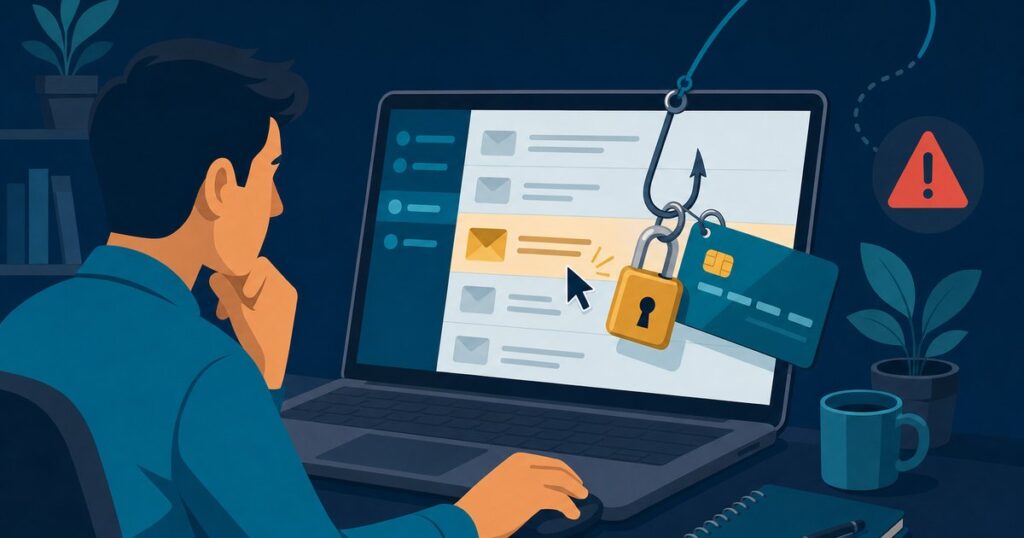
This is part 1 of our 8-week series, 8 Types of Cyber Attacks: one plain-English breakdown every Monday of how small businesses actually get hit, and what stops it.
Most cyber attacks on small businesses don’t start with a hacker breaking through a firewall. They start with an email that looks normal. It might be a shipping notice, a shared document, a password reset, or an invoice from a vendor you actually use. Someone is busy, clicks, signs in, and the attacker is in.
That’s phishing. Year after year it’s the most-reported cybercrime in the FBI’s Internet Crime Report, and it’s how most of the incidents we clean up got started.
What phishing actually is
Phishing is a message pretending to be someone you trust so you’ll do one of three things: click a link, enter a password, or send money or information. Email is the classic version, but the same trick now comes by text (smishing), phone call (vishing), QR code, and even Microsoft Teams chat.
The common types we see:
- Credential phishing: a fake Microsoft 365, Google, or bank login page. You type your password and the attacker has it, often along with your MFA code if they’re relaying it in real time.
- Spear phishing: a message written for you, using your name, your vendors, and your projects. Far more convincing than the mass-blast kind.
- Business email compromise (BEC): the attacker gets into a real mailbox (yours or a vendor’s) and quietly changes the bank details on an invoice. No malware needed. We walked through a real one minute by minute in 49 Minutes: Anatomy of a Business Email Compromise.
- Delivery and account scams: “your package couldn’t be delivered,” “your account will be suspended.” See our breakdown of the USPS delivery exception scam.
“Attackers don’t break in anymore — they log in. Phishing is just the cheapest way to get someone to hand over the key.”
— Glenn Kupsch, President, Adaptive IT
Four red flags to check before you click
- Urgency or fear. “Act within 24 hours,” “your account will be closed,” “the CEO needs this now.” Pressure is the point. It’s there so you don’t stop and think.
- A sender that’s almost right. Look at the actual address, not just the display name.
micros0ft-support.com,paypa1.com, or a Gmail address claiming to be your vendor are all giveaways. - Links that go somewhere unexpected. On a computer, hover over the link before clicking and read where it really points. If the email says Microsoft and the link says something else, stop.
- Any change involving money. New bank details, a gift card request, an “urgent” wire. Always verify by calling a phone number you already have, never the one in the email.
What actually stops it
Training people helps, but nobody is perfect on a busy Tuesday afternoon. The businesses that come through phishing attempts without damage have layers, so one mistake isn’t the end of the story:
- Multi-factor authentication on everything, ideally phishing-resistant options like passkeys or authenticator number-matching. A stolen password alone stops being enough. (Microsoft is moving this way too. See our post on Entra ID passkeys.)
- Advanced email filtering that catches what Microsoft’s built-in filter misses. We use Avanan, and we published six months of real data from an 11-seat law firm.
- Security awareness training and simulated phishing, so spotting the red flags becomes a habit instead of a one-time slideshow.
- A payment-verification rule: any change to where money goes gets confirmed by phone. It costs nothing and it stops BEC in its tracks.
- Monitoring for suspicious sign-ins, like logins from another country or new mailbox forwarding rules, so a compromised account is caught in minutes, not weeks.
Not sure where you stand?
Adaptive IT offers a Cyber Review for small businesses: a straightforward look at your email security, MFA coverage, backups, and the gaps an attacker would use first. You get a plain-English list of what to fix, in order.
Call the Adaptive IT service desk at (877) 958-1248 or get in touch here.
Next Monday in the series: Ransomware. How it gets in, why backups alone aren’t enough, and what recovery really looks like.